I Built and Shipped an iOS Home Inventory App in Under Four Months
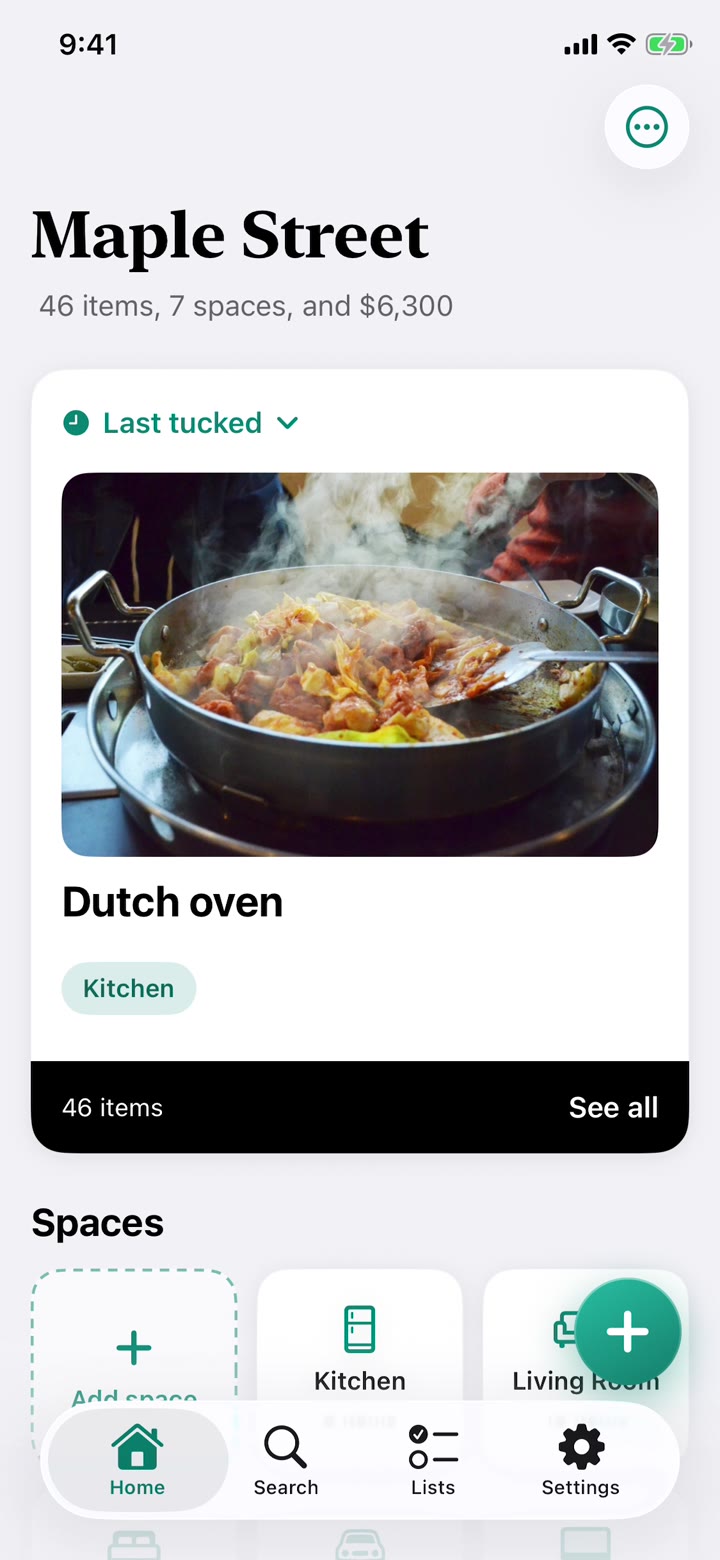
I used a home-spun AI product crew to craft TuckBuddy, an app for tracking what we own across two homes.
I wanted to inventory my life, and I also needed to dive into vibe coding
I’d used ChatGPT to build a few web pages and micro apps, but never a full app. I hadn’t coded for many years and had never opened Xcode, so there was a steep learning curve.
This is primarily about the product. I created a separate case study on learning vibe coding if you’re interested in my approach.
I started as a designer, then scaled myself into a product team
I started with my own process: what problem am I solving, and what else is out there? Before screens, I ran a competitive analysis and read competitor reviews. The apps I found capped items and then forced a purchase, causing customer complaints of a bait and switch after hours of data entry. I also ran naming studies and a brand voice study, and drafted an App Store listing before the app existed to see if I could sell it in a few lines.
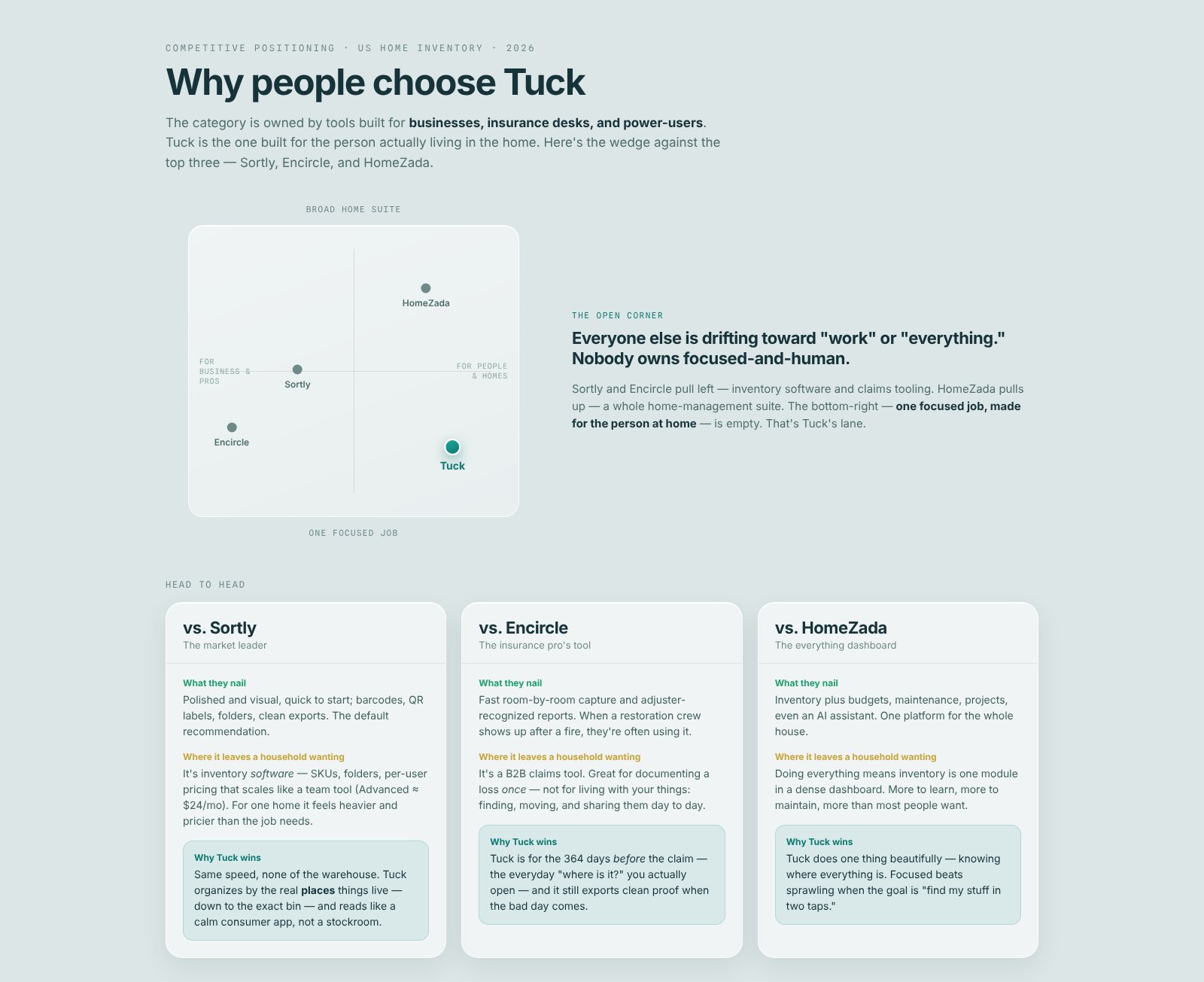
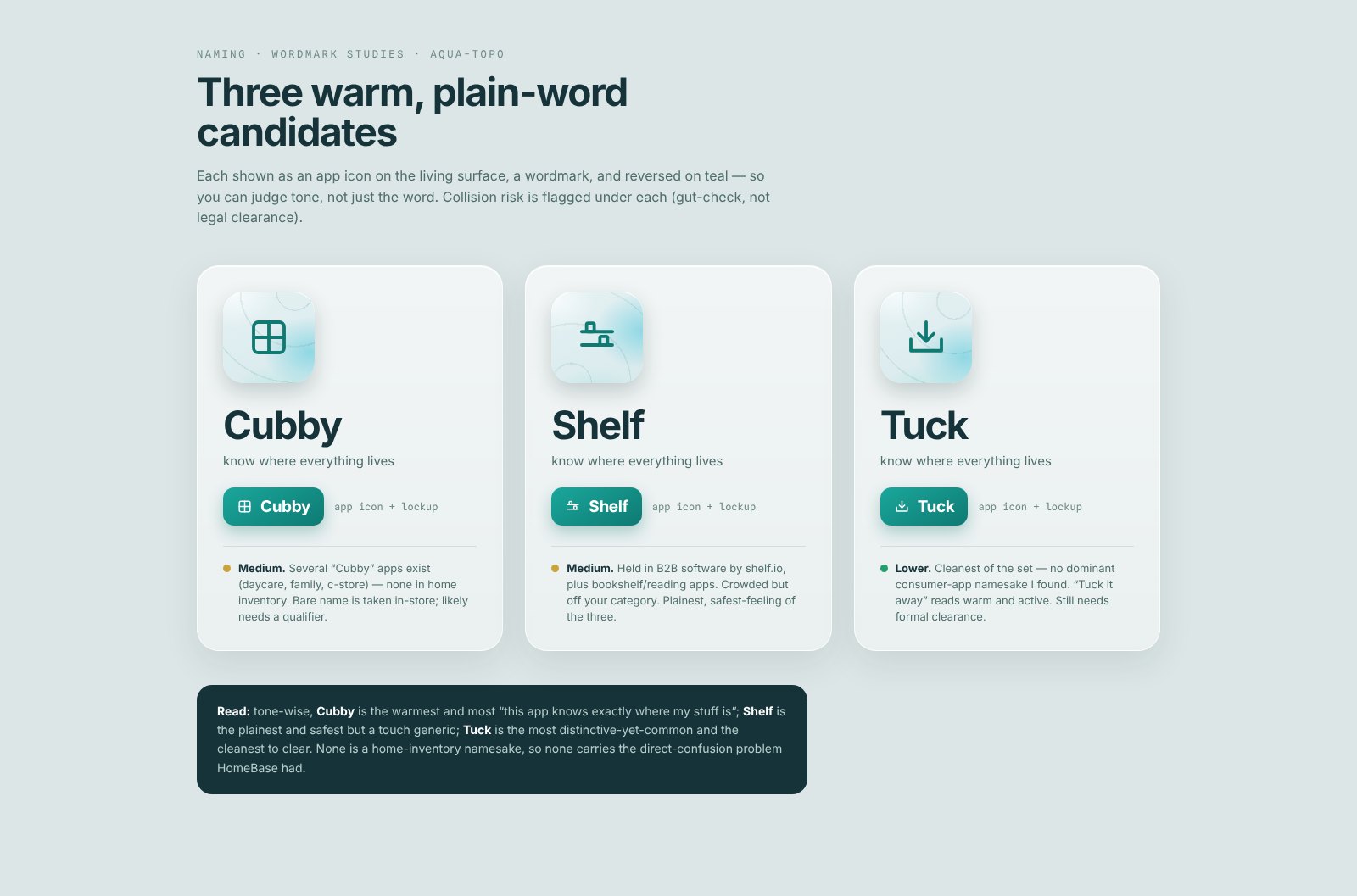
I was also missing my teammates, so I used Claude to sketch documents my partners would write, then made those roles permanent as my AI bot team. The working docs are at the end of this page.
Who it’s for
A few real people with specific needs shaped the product.
The two-home couple
Two households, still living in both
- When
- we’re combining two homes (eventually)
- I want
- to know which home a thing is in
- So I can
- stop buying duplicates
Asks for: more than one home from day one, and search that shows the path
The co-manager
Didn’t set any of it up
- When
- someone else built the inventory
- I want
- to find and add things without learning their system
- So I can
- track my stuff too
Asks for: plain words, and nothing that depends on knowing the structure
The seasonal rotator
A house and a storage unit
- When
- the season changes
- I want
- to know which bin holds the decorations
- So I can
- swap them without opening every box
Asks for: boxes inside places, and moving a box moves everything in it
The collector
Clothes and books
- When
- I add something I care about
- I want
- to capture the details that matter to me
- So I can
- find it by any of them later
Asks for: many tags per item, values stored as written, and scan to add
The minimalist
The other end of the spectrum
- When
- I add a shirt
- I want
- to type “shirt” and be done
- So I can
- skip the form
Asks for: every detail optional, and details out of sight until asked for
The scope
I wrote a laddered roadmap to cut the idea down. Each phase had to be complete even if I never got to the next one. The first phase was a free, private, single-user app: homes that hold spaces, spaces that hold spaces as deep as you like, items that go anywhere, and search that tells you where a thing is. Sync came next, and sharing after that. Then we got to work in slices.
The feel
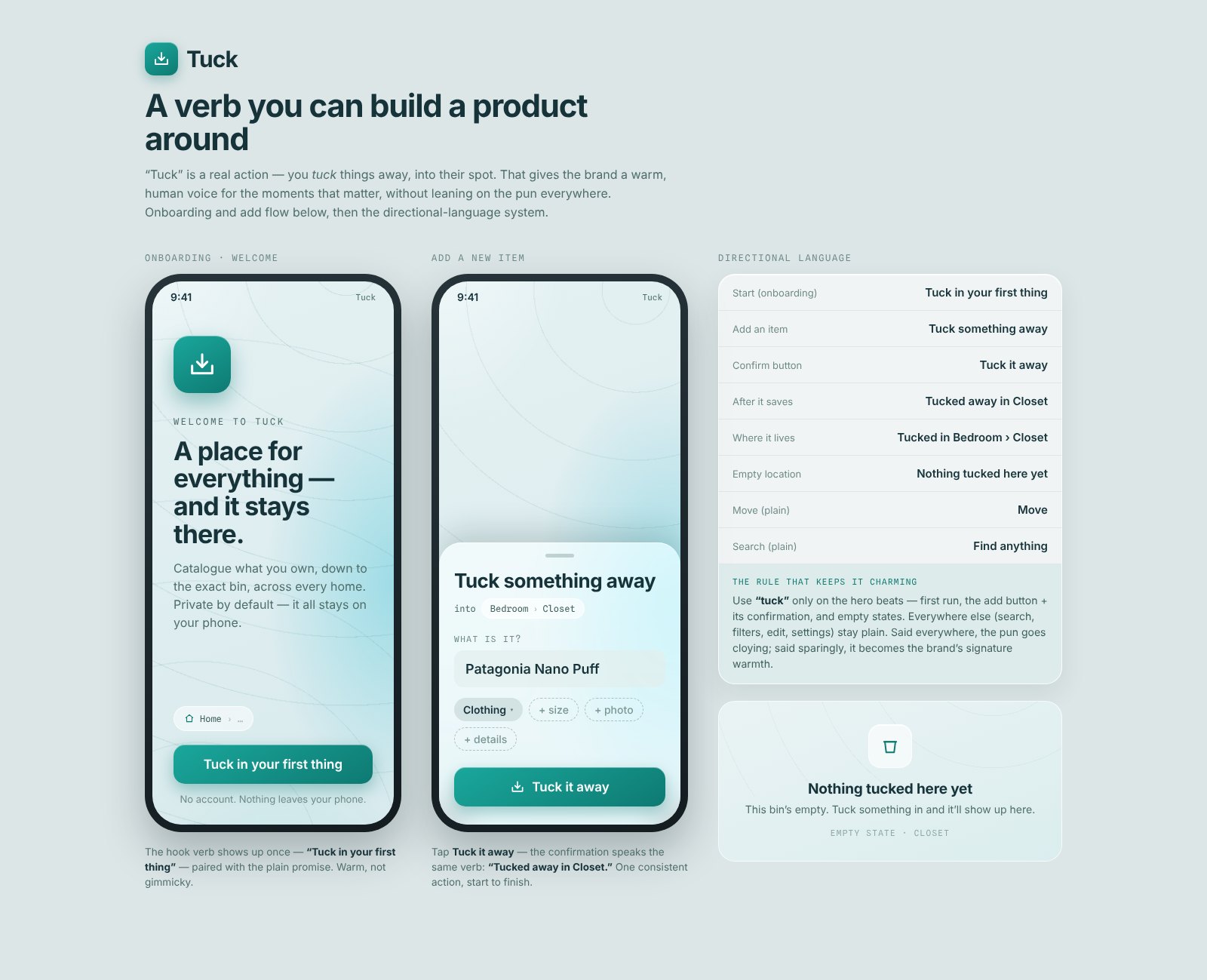
While revising product concepts and learning to code, I used Claude Design to explore looks: aquas and greens (my favorites), the lines of a topographic map to signal location awareness, and maybe a calm animation that followed your taps around the screen. That became the initial design direction. I auditioned seven directions in eleven days and came back to that one.
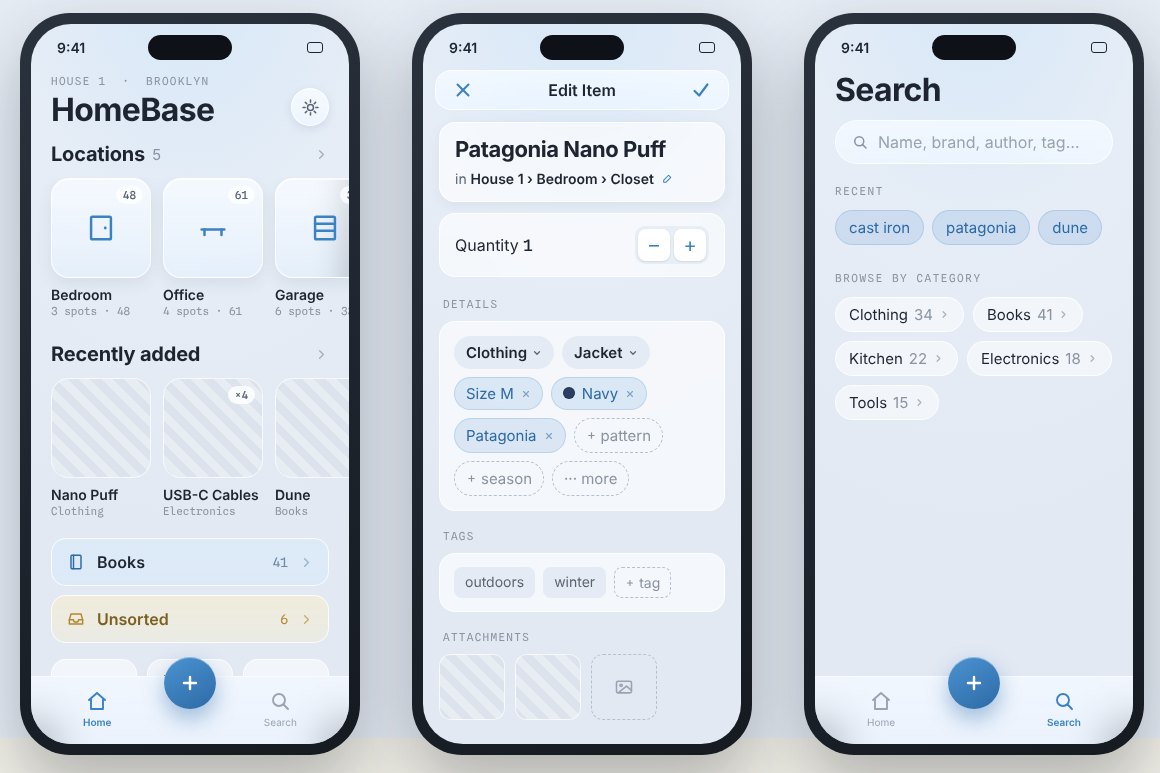
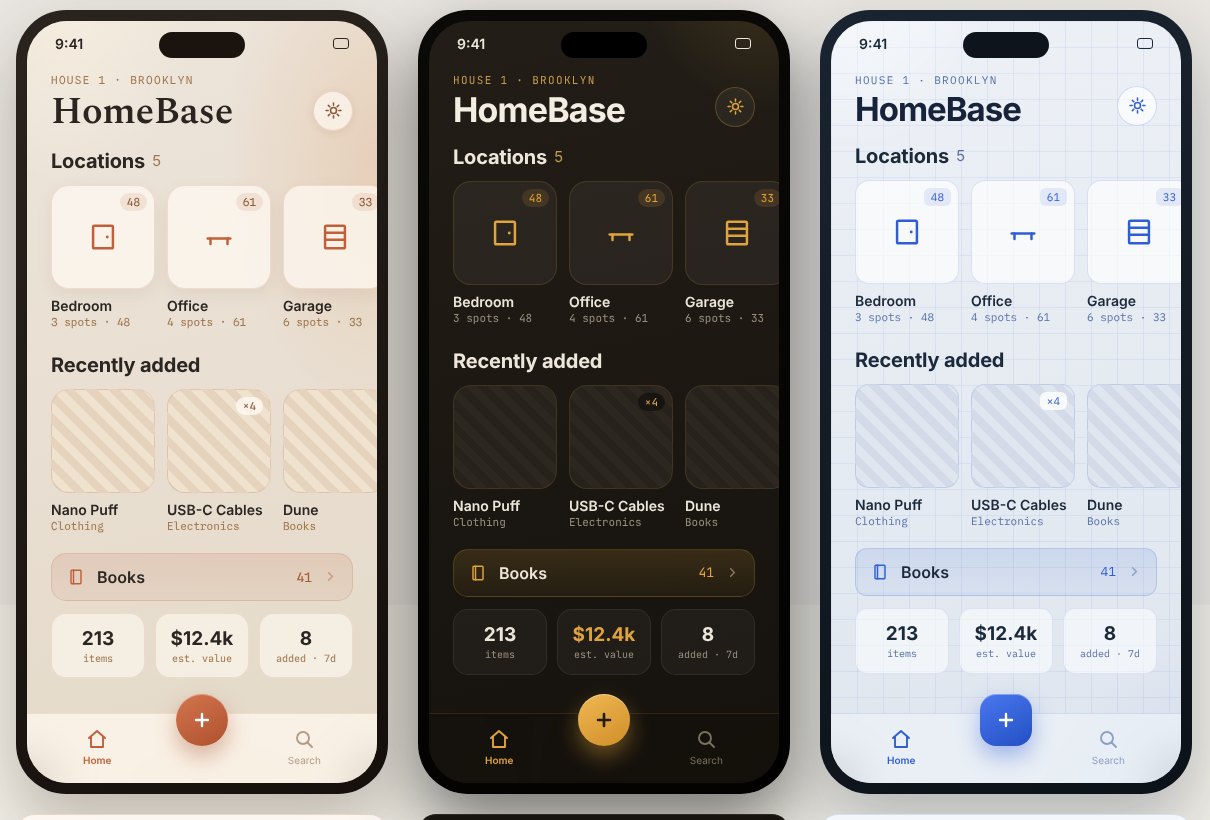
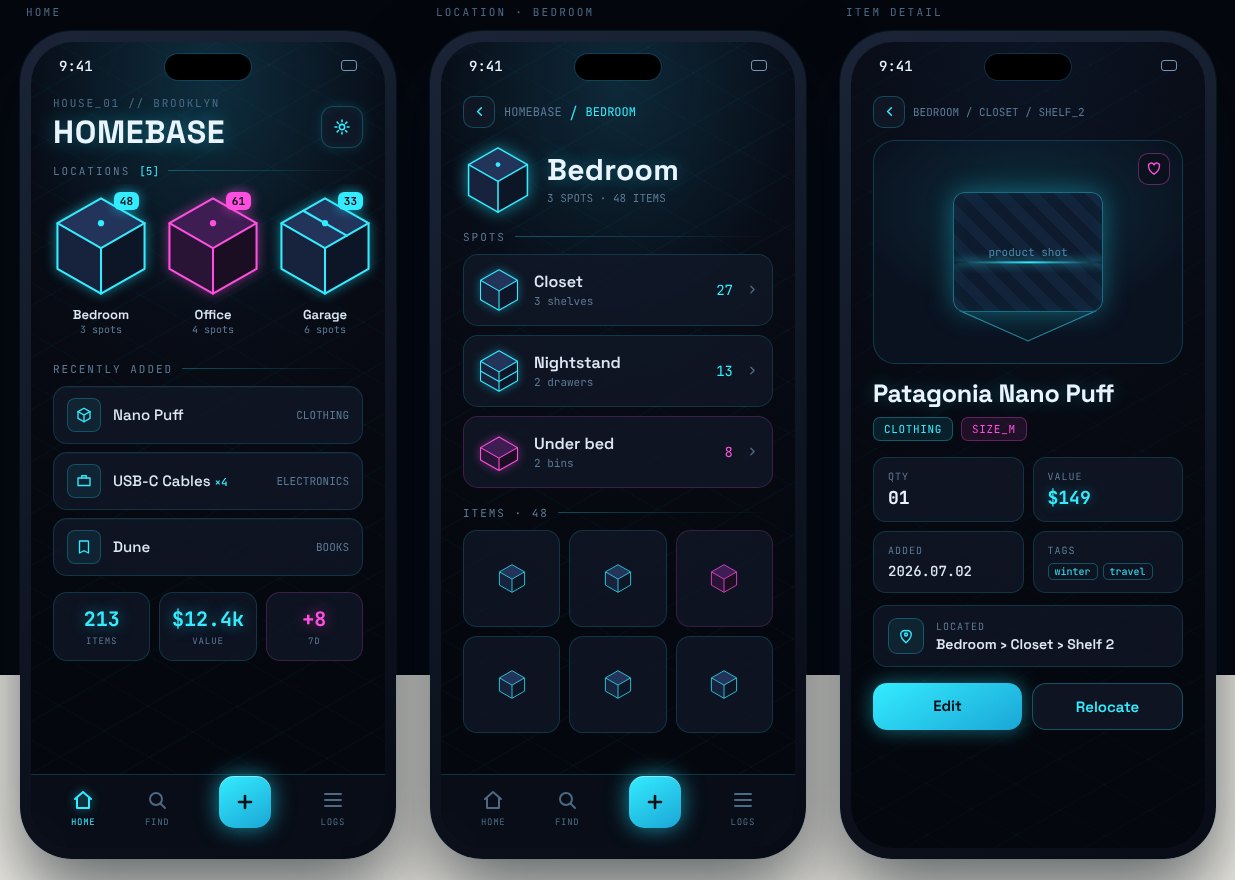
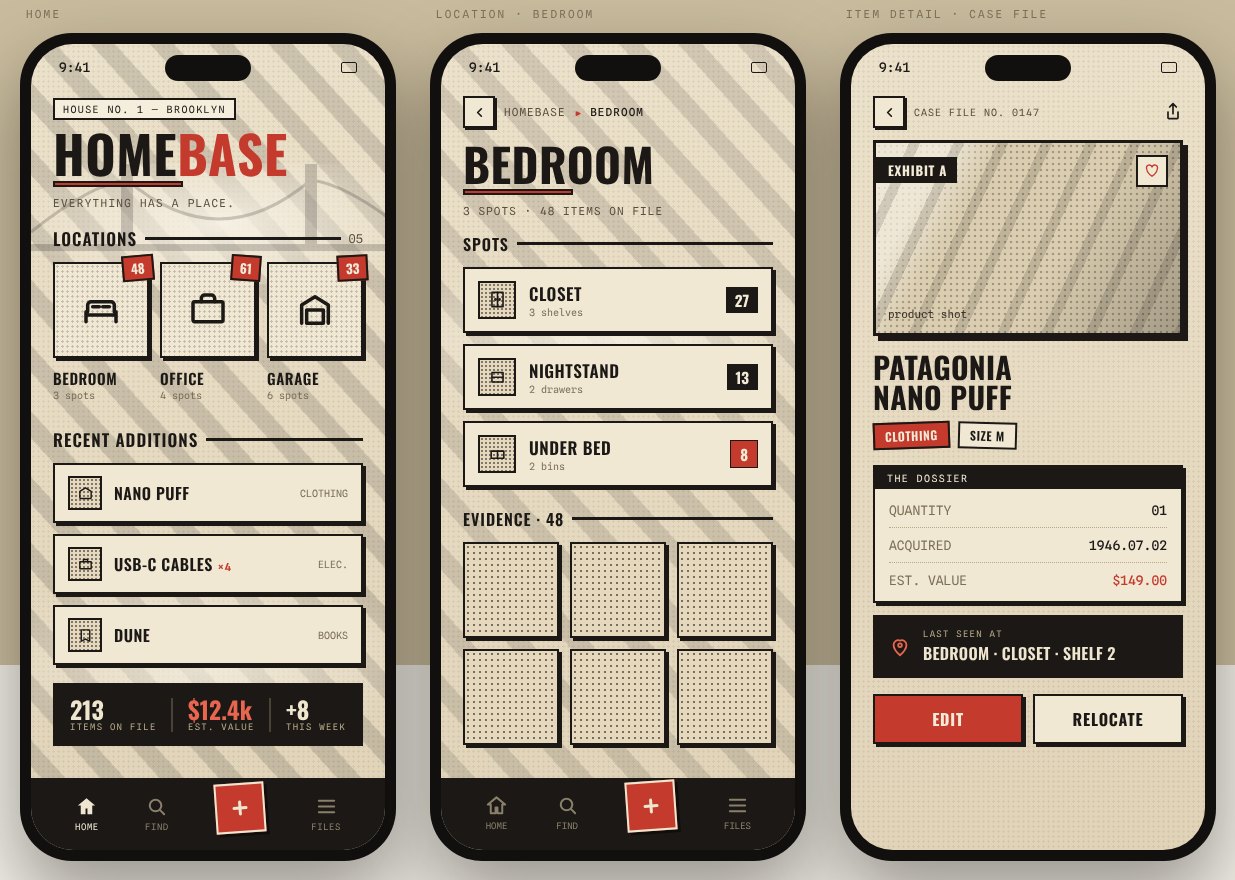
Color came first. I explored warm and cool palettes, and several accent combinations on the same neutrals, before settling on deep-water neutrals with one teal.
- Catalogue
- Slate and Sky
- Forest
- Plum
- Graphite and Coral
- Ink and Amber
- Deep sea
- Slate
- Muted
- Faded
- Mist
- Surface
- Page
- Teal accent
Deep-water neutrals and one teal. Blue, cyan and green appear only to tell the add options apart.
Under the interface sat a slow, drifting wash of light, like sunlight on the bottom of a pool. The motion is subtle at real speed, so this clip plays it faster.
I also explored small moments of delight that answered what you did: contour lines that follow your taps, a radar sweep that pings locations, or a wave that ripples as confirmation.
It had three layers: a meditative backdrop at the bottom, the glass interface in the middle, and a delighter on top.

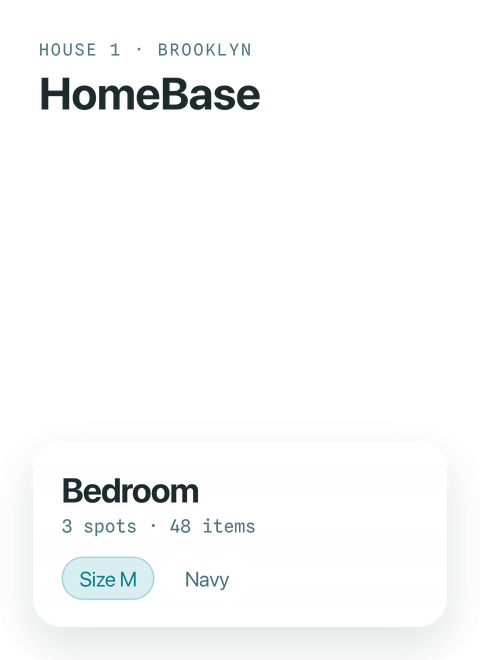
- DelighterRipples and contours that answer your taps.
- InterfaceGlass cards that stay crisp and readable.
- BackdropA soft aqua wash that drifts slowly underneath.
Tap the phone to stack or separate the layers.
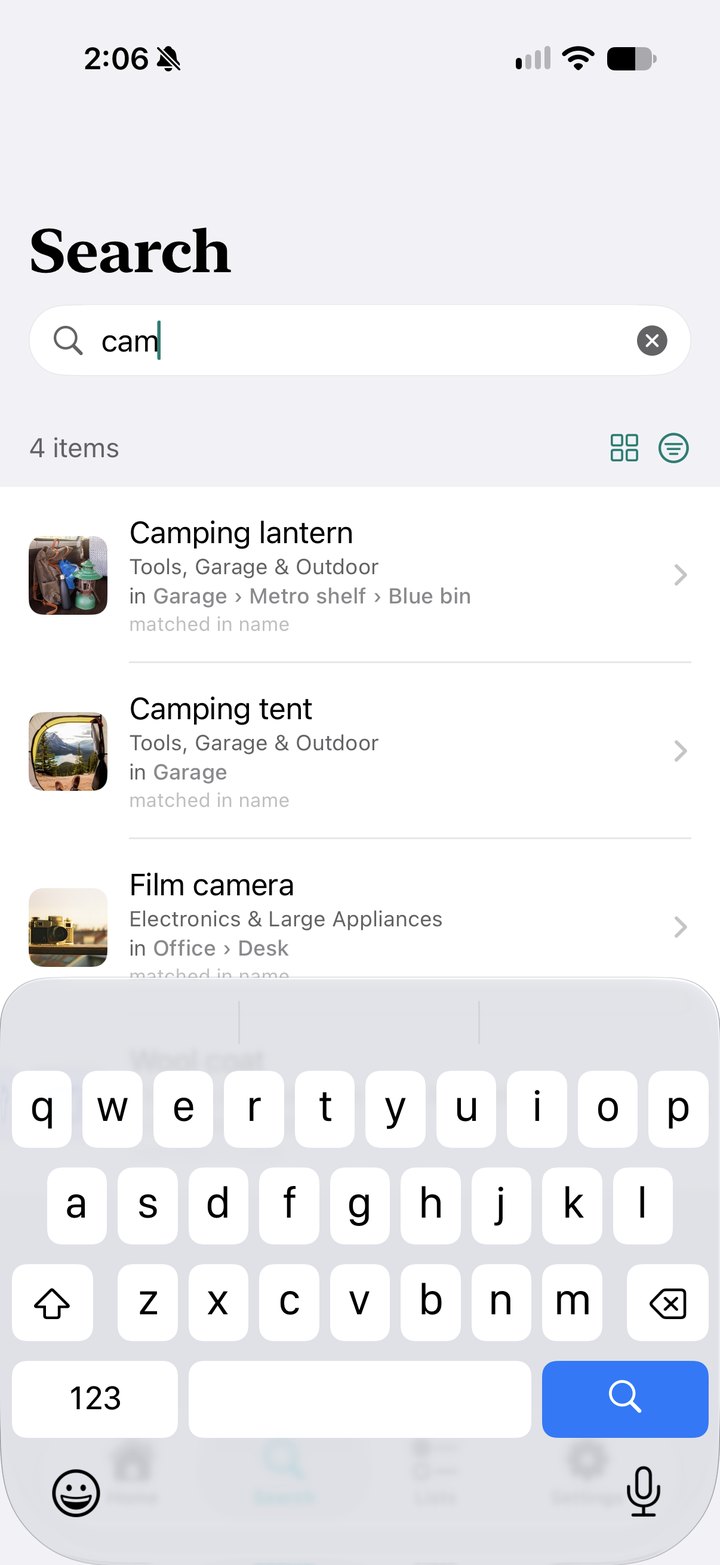
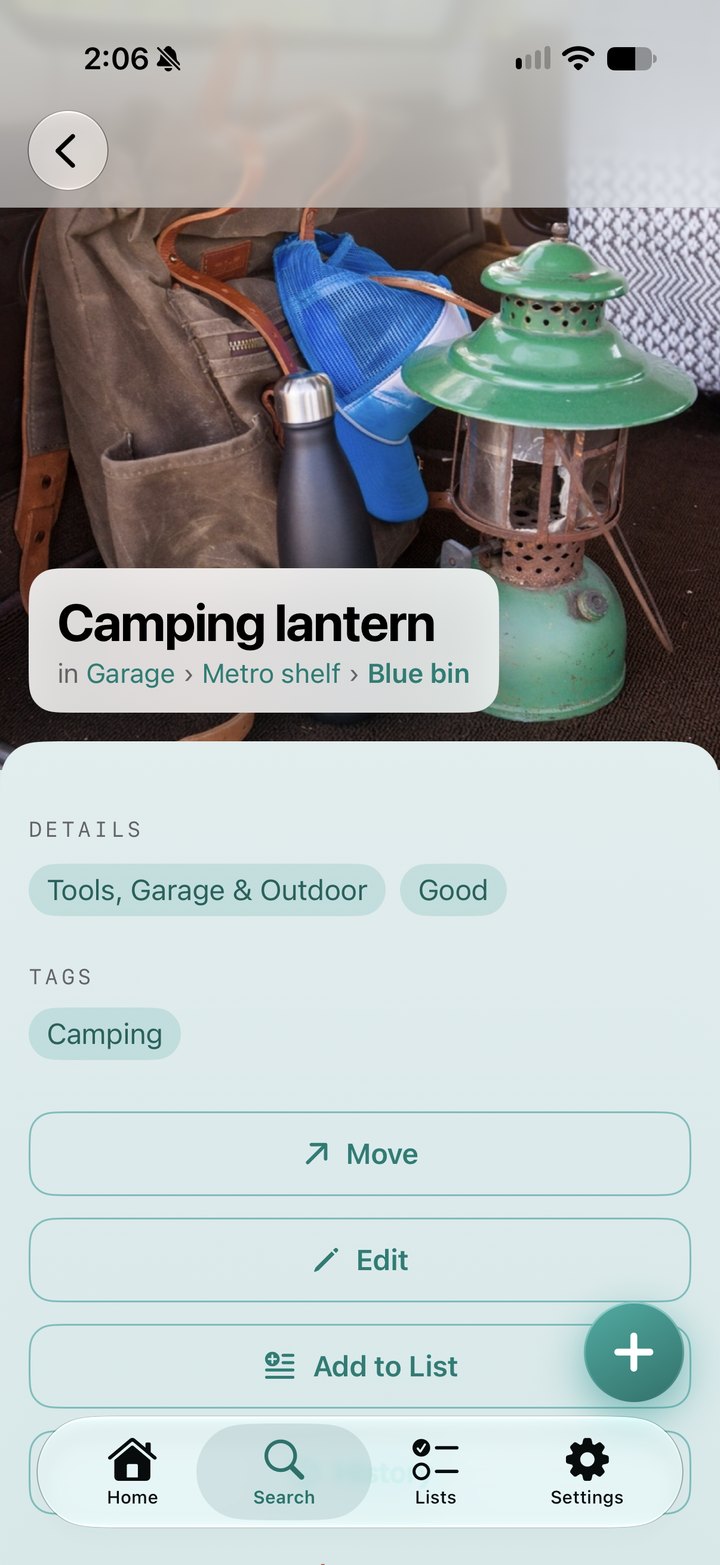
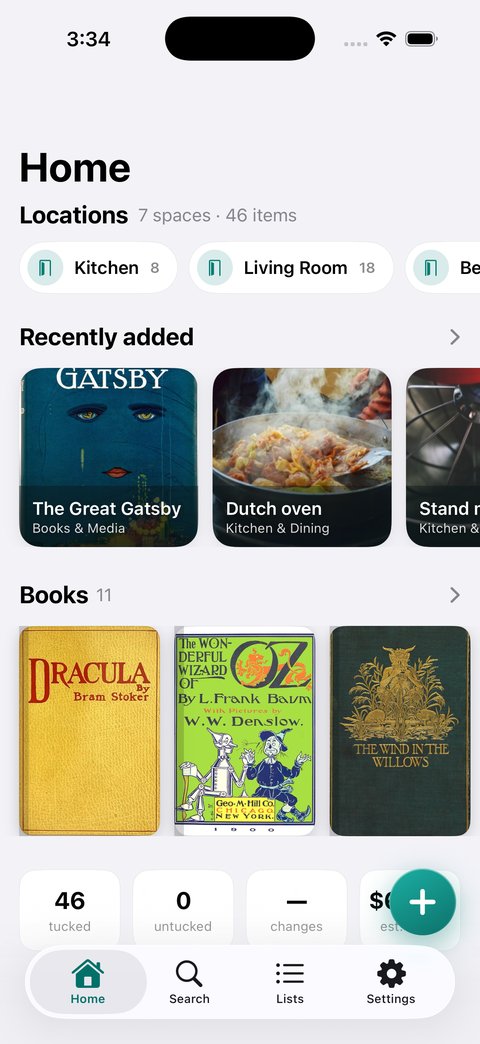
The 1.0 release used mostly stock surfaces with teal accents and serif titles.
Accessibility
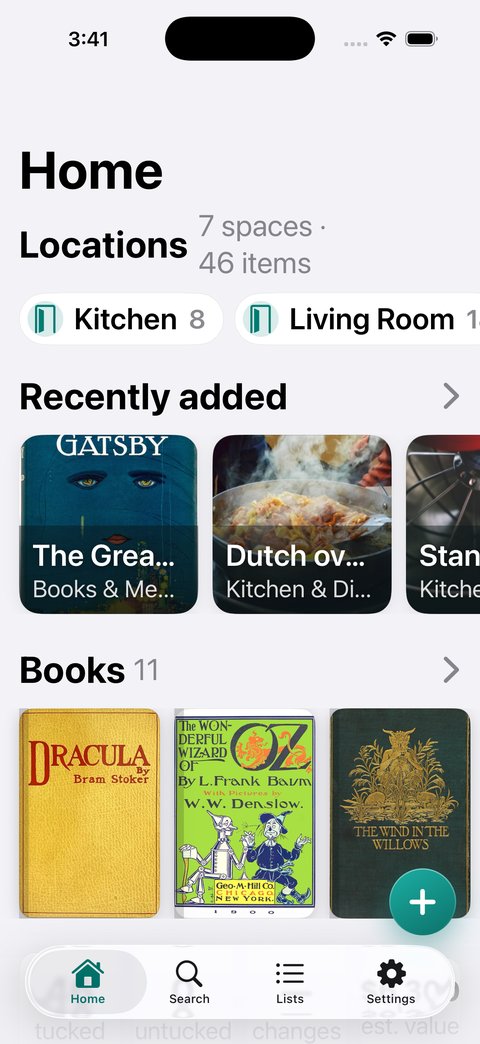
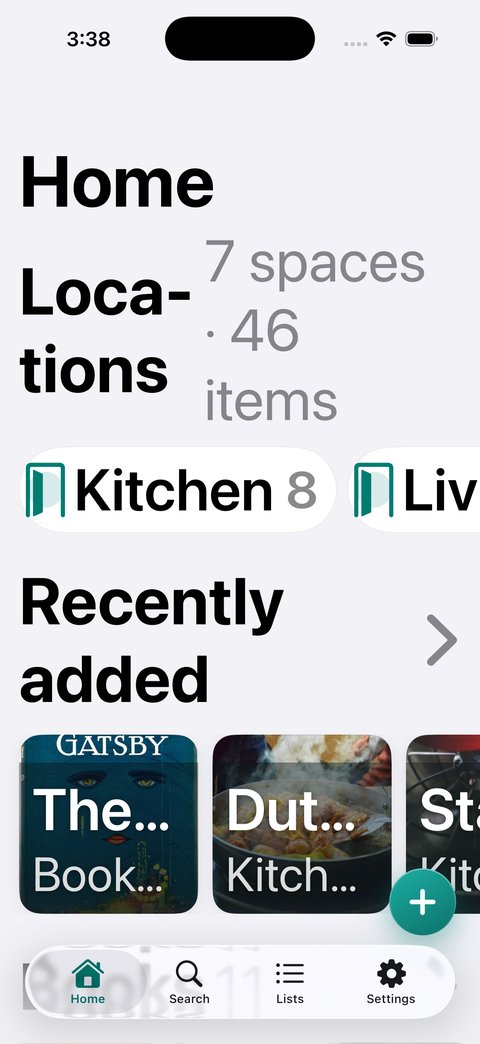
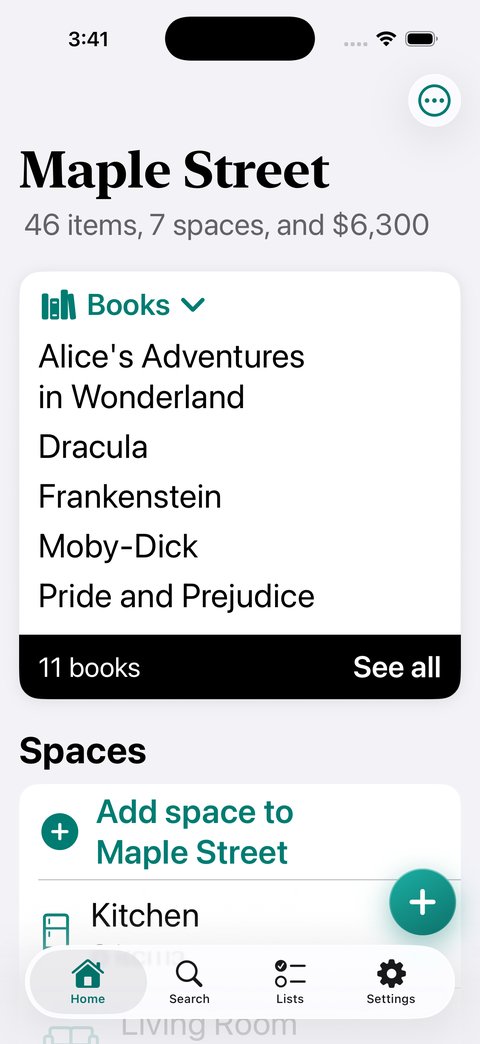
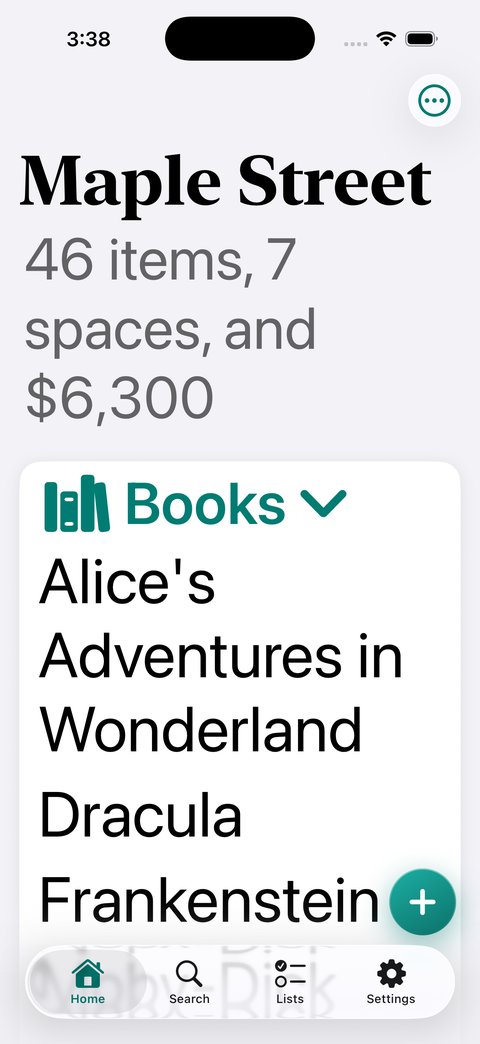
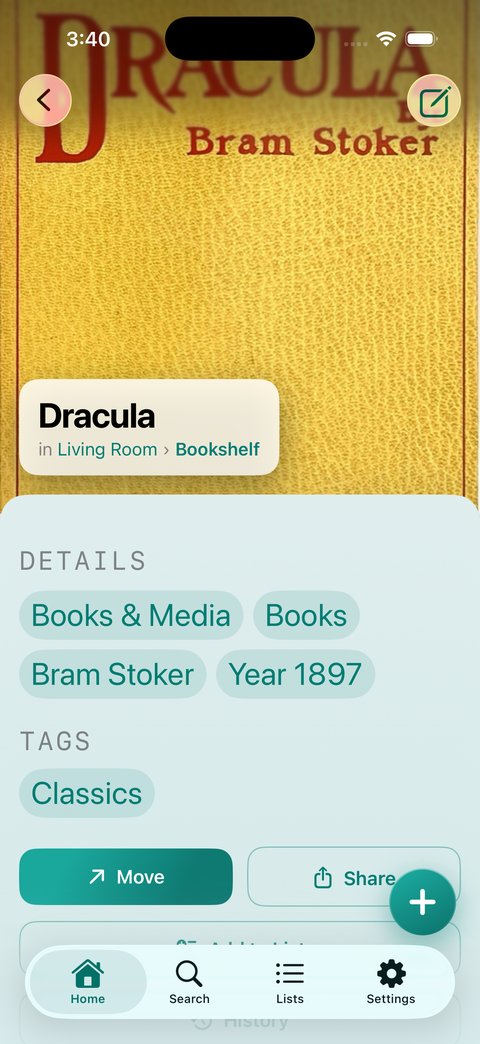
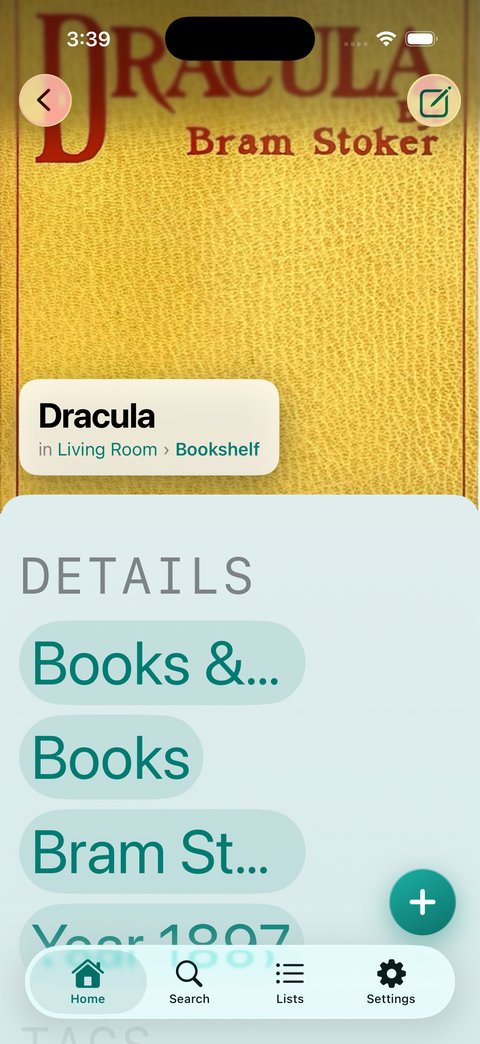
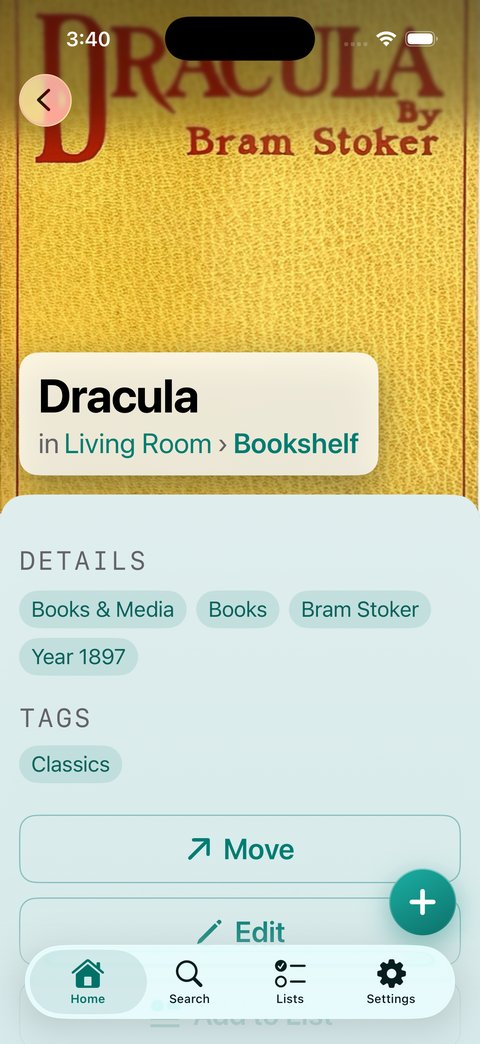
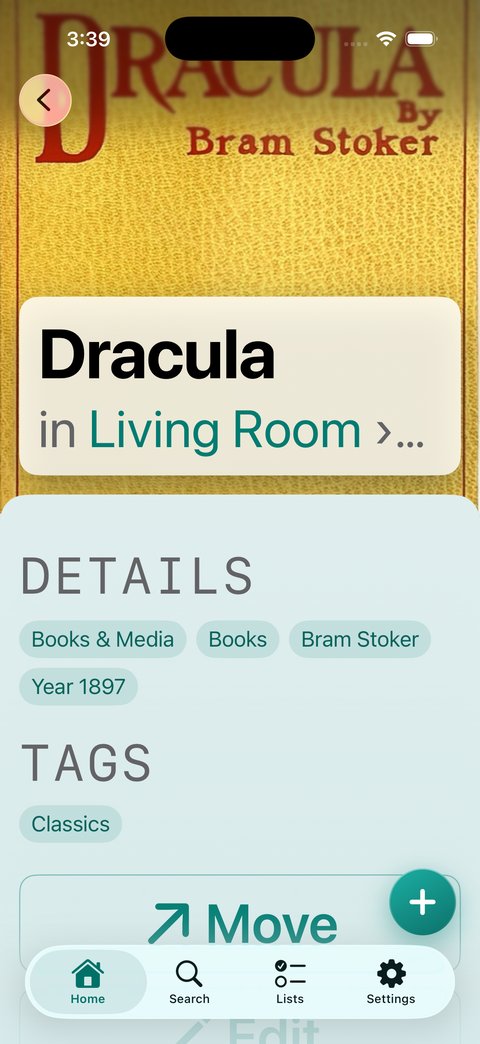
I knew early on that I wanted the app to be accessible from the start. In all my work streams, that got lost. The wake-up call came when my partner, who runs larger text, opened the app and it fell apart. Text truncated and clipped inside tiles that couldn’t grow, forms were obscured, and more. When I looked closer, most of the problems came from my custom look. The type was fixed, the custom tiles had fixed dimensions, and the custom navigation bars and sheets used white text on pale glass.
I took the app back to stock iOS, with limited teal accents and custom moments. My rule was that the app should feel modern on top of rock-solid accessibility. Stock controls support VoiceOver, Dynamic Type, Reduce Motion and contrast settings without extra work, so people using assistive technology don’t hit the problems my custom layer created. Tiles gracefully fall back to lists when space is limited.
Before launch, I ran Apple’s automated accessibility audit across the app, which flagged nearly 260 issues. Some included Apple’s own secondary gray failing contrast, touch targets under 44 points, and of course breaks on the largest text size. I fixed those, set the VoiceOver custom reading order on critical screens, and ensured animations fell back without penalty.
Home
 1.0
1.0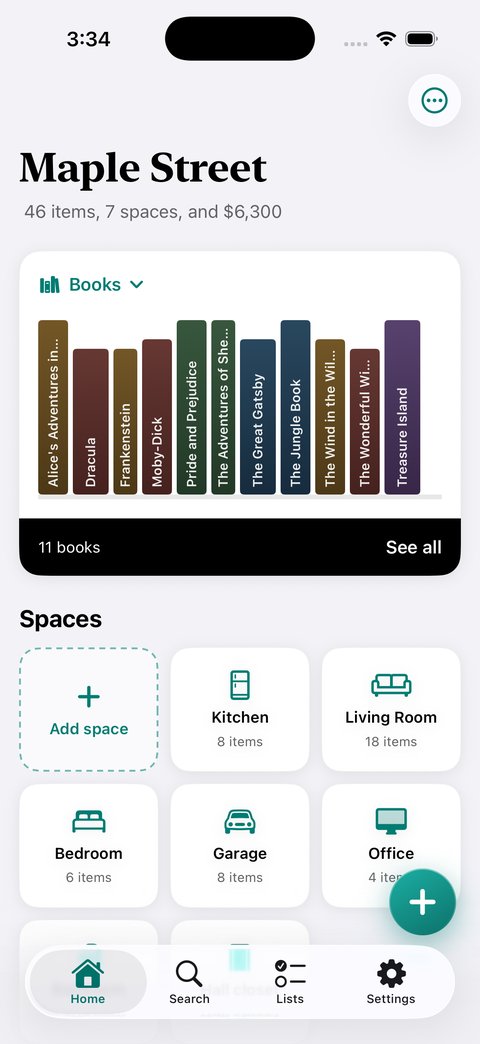
Item detail
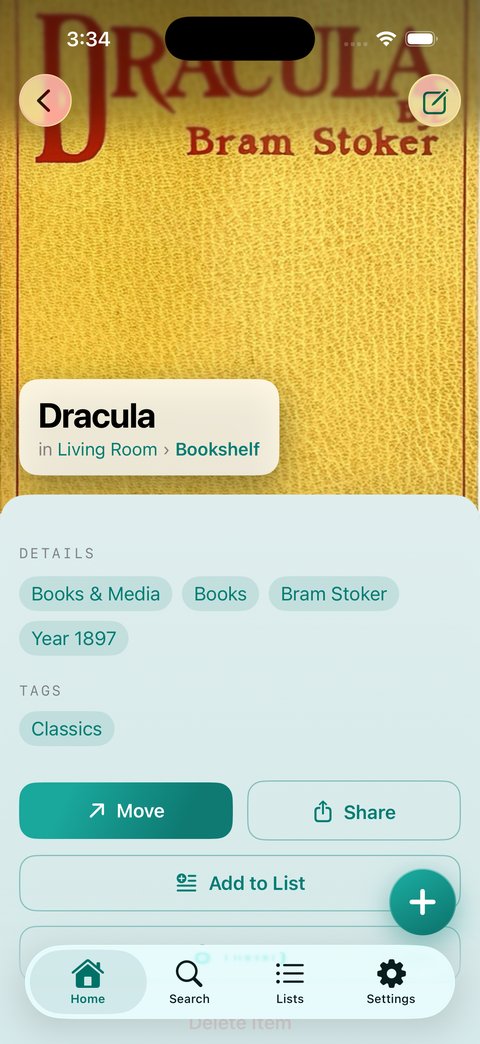
 1.0
1.0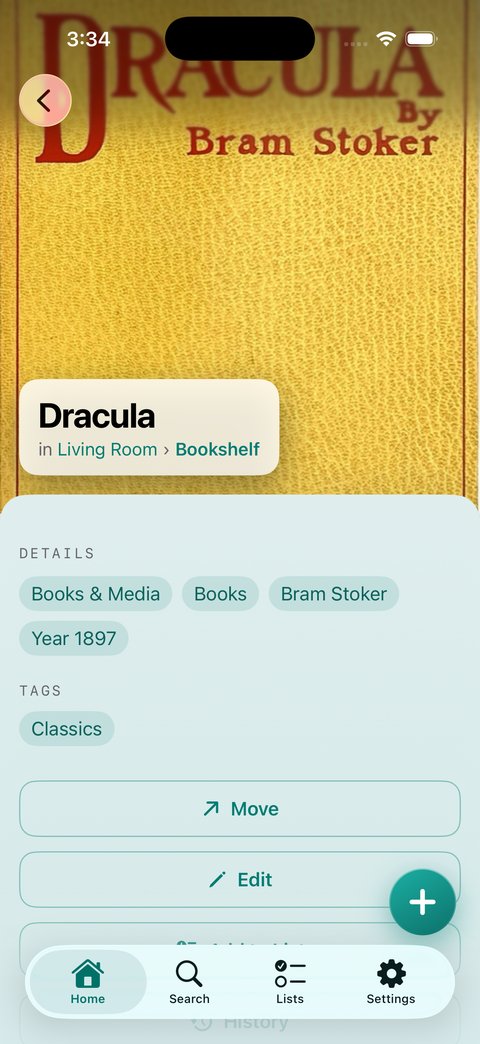
Going deep to find patterns
Three pieces mattered most. Onboarding had to help you start your collection, show how the app works and give you a moment of delight. The filing system had to let you build places that match your home, or your mental model of it. And adding a thing (or several) was the critical moment.
I prototyped specific cases, going deep in each and coming back up to see what they had in common. The goal was an app that works for many uses and is still very good for someone who uses it for one thing.
- The first-time setupSome people rebuild their whole home in one sitting, so building places had to be quick. Others catalog one item and build the structure along the way, so the filing system had to stay out of their way.
- The box of thingsSomeone emptying a box needs to enter many items at once, and items that are alike should share details like category, brand and tags.
- The haulA shopper comes home with new clothes and wants to describe them in ways that are easy to enter and mean something to him.
- The libraryA book collector scans their whole shelf in one sitting. Open book APIs fill in the details for them.
- The seasonal moveThe decorator says he moved a box, or five, and the app keeps track of where they went.
Categories, tags and details
I knew I’d never perfect a category system. I started thinking a category+subcategory hierarchy would be manageable with free tagging on top. Clothing > Shoes would get you most of the way, and someone could add “brogues” or “pumps” as tags, or stop at the category.
Hallway testing broke that. If I had subcategories, I needed many more: house shoes, slippers, flip-flops, sandals. Other people said picking from a fixed taxonomy—especially subcategories—took too long, and they couldn’t picture using an app that annoying.
So I changed the structure. I cut the categories from 22 to 11 primitives, each of which decides which details surface. Subcategories became suggested tags with category-specific collections. Garment, pattern and season are now tags you can stack, so one item can be formal and workwear and wool at the same time. Books kept one subcategory, the media type, because it powers the bookshelf.
The result lets you go as shallow or as deep as you like. Some categories offer open tags only. Others offer suggested tags you can pick from, and adding your own is one step. A tag you add, e.g., Elastane, joins your tags for that category. The ones you’ve used most recently stay up front, and a one-off, e.g., Linen, fades away til you use it again.
Core details can change with the category (most have brand, color, condition and value; some add specifics: electronics have connectors, and clothing has size).
Don’t go out of your way to alienate someone
I have gender expansive people in my life, and they shouldn’t have to pick a binary to manage their clothes. Most folks don’t notice, but for a marginalized group, this choice is meaningful and can be hurtful. Why would you do that? My clothing labels stay neutral, and size is just a field you fill in based on the label, without formatting.
The same reason is why onboarding asks for the name you use. Sharing is coming, and when you see who owns what or who moved something, you need a name. An iCloud account name, or a billing name later, may be a legal name and not what someone calls themselves. Nobody wants another app that feels awkward or hostile, and there are always other choices. I want them to choose mine and feel solid about it.
“The Tuck”
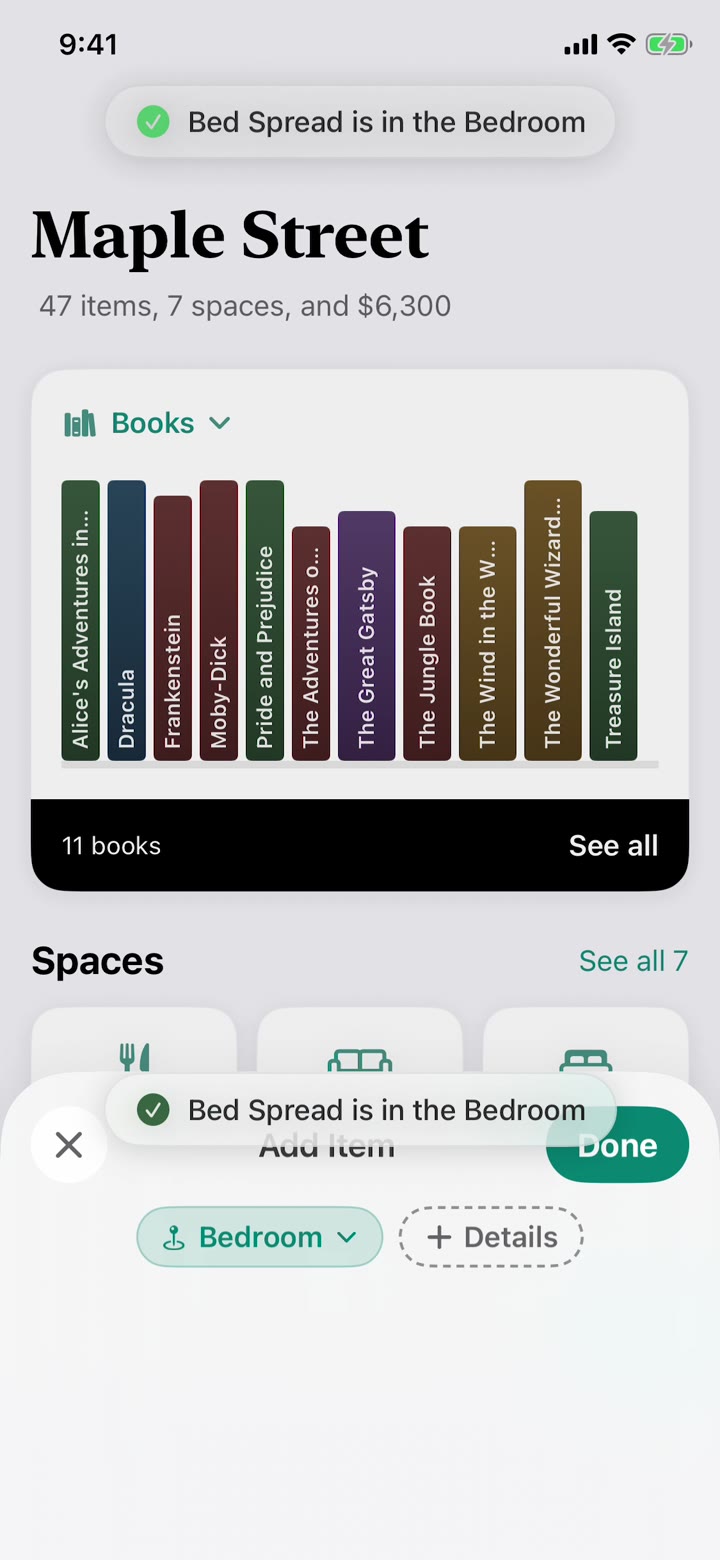
The moment of delight became The Tuck. When you add an item, it tucks itself away. I first wanted it to fly into the exact place it lives, but since you can add anything to anywhere from anywhere, the place is often off screen. Instead, an item (its icon or your photo) playfully hops into the confirmation toast at the top of the screen, which also tells you where it landed. The hop gives a small and satisfying sense of completion, which matters in an app that can feel like a chore.
My engagement strategy set the limits around moments like this one. The app earns repeat use by helping you find things, with no streaks and no guilt.
Where it landed
In well under 4 months, I made a useful thing that reflects my values, gets real jobs done, and has a deep plan for moving forward into commercial territory. The process reminded me of my skills, and helped me grow with new tools.
My next build will add multi-user house sharing and syncing over CloudKit, explore healthy activation mechanics, and track signals to learn what gets built into the future. Maybe I will make a few bucks too, though I suspect a lot of the unique features you see here will end up in other apps, as I have opened up all of my planning docs here.
The working docs
These are the docs I made decisions against.